





You have twenty minutes before you leave, a laptop running low and a phone that needs enough charge to last the evening. A bigger charger sounds like the obvious answer. Sometimes it is. Sometimes you spend more and get exactly the same charging speed.
The difference between a 65W, 100W and 140W charger comes down to where the power is needed. A laptop can benefit from a step up that makes no difference to a phone. And a charger that feels quick with one device connected can become less useful when you add another.
If you are shopping for an upgrade, start with the device you are waiting on. That is a better reason to choose your next charger than the largest number on the box.
When 65W is enough, keep it simple
For a USB-C laptop designed to charge at 65W or less, a suitable 65W charger can be all you need. It makes sense for someone who plugs in one laptop at a time, works near a socket and does not need to charge a phone from the same adapter.
There is little value in replacing that setup just to move up a wattage class. If the laptop already receives all the power it can accept, a 100W charger will not persuade it to charge faster.
The reason to move beyond 65W is more practical: your laptop supports a higher input, or your existing adapter struggles to keep up while you work. A battery that barely gains charge during a demanding session can be a sign that too much of the available power is going into running the computer, leaving little for the battery. A higher-power setup can help when the laptop supports it.
For a phone alone, 65W may already be more capacity than it can use. The useful purchase is a charger that supports the phone's charging mode, not simply a jump from 65W to 100W or 140W.
100W is worth it when 65W is holding your laptop back
The strongest reason to choose 100W is a laptop that can actually use the extra power. That gives the upgrade a job to do: supply more of what the computer needs while you work, or replenish its battery faster during a short break.
Imagine a laptop that accepts up to 90W through USB-C. A suitable 100W charger has room to meet that demand; a 65W charger does not. Put the same two chargers on a laptop limited to 60W, and that advantage disappears. The example is about matching power requirements, not promising a particular charging time.
If 100W covers your laptop's input and you usually charge it on its own, it is a sensible place to stop. You do not need to buy 140W for a speed benefit the laptop cannot use.
Sharing changes the decision. A charger sold as 100W may reserve its highest output for one port used alone. Once a phone is connected, the laptop's allocation can fall. For someone who always charges both together, the shared output matters more than the headline rating.
140W earns its place on a busier desk
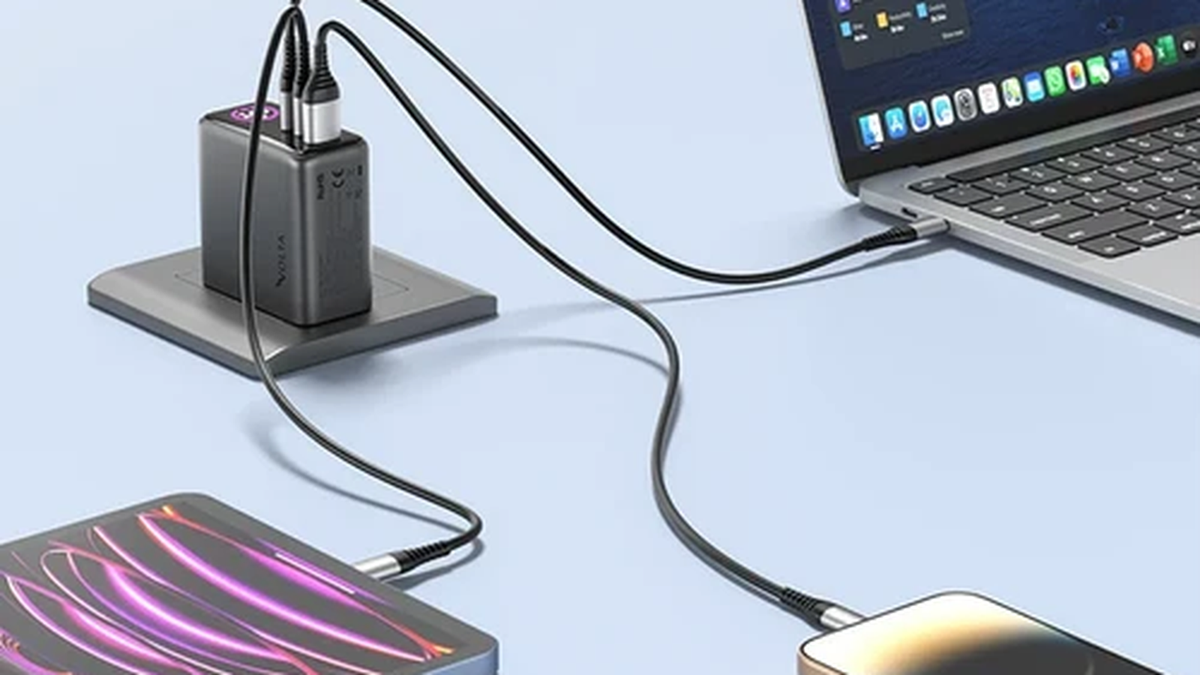
When a charger needs to serve a laptop, phone and accessories, extra capacity becomes more useful. You are no longer buying only for the fastest possible charge to one device. You are buying room to keep the rest of your kit connected too.
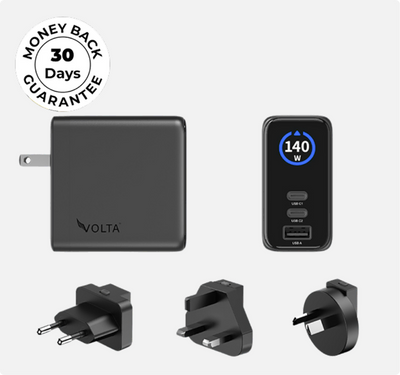
Our 140W Giga GaN Charger is the VOLTA option we recommend for that role. Its two USB-C ports and one USB-A port bring several devices to one charging point, rather than requiring a separate wall adapter for each.

That makes Giga a stronger fit for a work bag or shared desk than an upgrade bought solely to charge one phone faster. You gain a multi-port charging setup with a 140W total rating, not a promise that every connected device receives 140W.
For a higher-power laptop, the distinction between total output and single-port output still matters. A charger must deliver the power the laptop needs through the connection it uses. Standard USB Power Delivery charging above 100W requires Extended Power Range support and a suitable cable; a proprietary laptop charging connection may have different requirements.

140W Giga GaN Charger
$114.00
140W 3-Port GaN Charger - the mini charger with mighty power. Charge via two USB Type-C® and one through USB Type-A. Perfect for charging smartphones, ...
The upgrade should save you time, not just add watts
If you mainly charge overnight, an already adequate charger may be doing its job perfectly well. The case for more power is stronger when you rely on short charging stops: between meetings, before a train journey or while packing up for the day.
Even then, the gain depends on what is slowing you down. A laptop that can draw more power than its current charger supplies has a reason to benefit. A phone already charging at its supported rate does not.
Nor does the difference between 65W and 140W translate directly into a charging-time ratio. A device draws different amounts of power as its battery fills, and heat can reduce charging speed. More available watts do not remove those controls.
That is why we would not recommend replacing a capable 100W charger for one phone's sake. We would recommend considering a higher-capacity multi-port option when your laptop and the other devices competing for its charger have outgrown the current setup.
What happens when you plug in your phone?
This is the question that often separates a useful purchase from a disappointing one. Your laptop might charge well on its own, only to receive less power when you connect a second device. If that is how you use your charger every day, single-device performance tells only part of the story.
With Giga, the display provides port-specific power information, alongside usage duration and temperature information. You can see what the connected devices are drawing rather than judge charging performance from the total wattage printed on the charger.

The display illustration shows how those readings are presented, not fixed power allocations for every setup. The practical benefit is visibility: a device drawing less than expected gives you a reason to look at its charging connection, cable or current battery level.
A faster charger deserves the right cable
Buying a higher-power adapter while keeping a cable that limits the connection can leave you with the same bottleneck. The wall charger supplies the power, but the cable has to support the charging setup too.
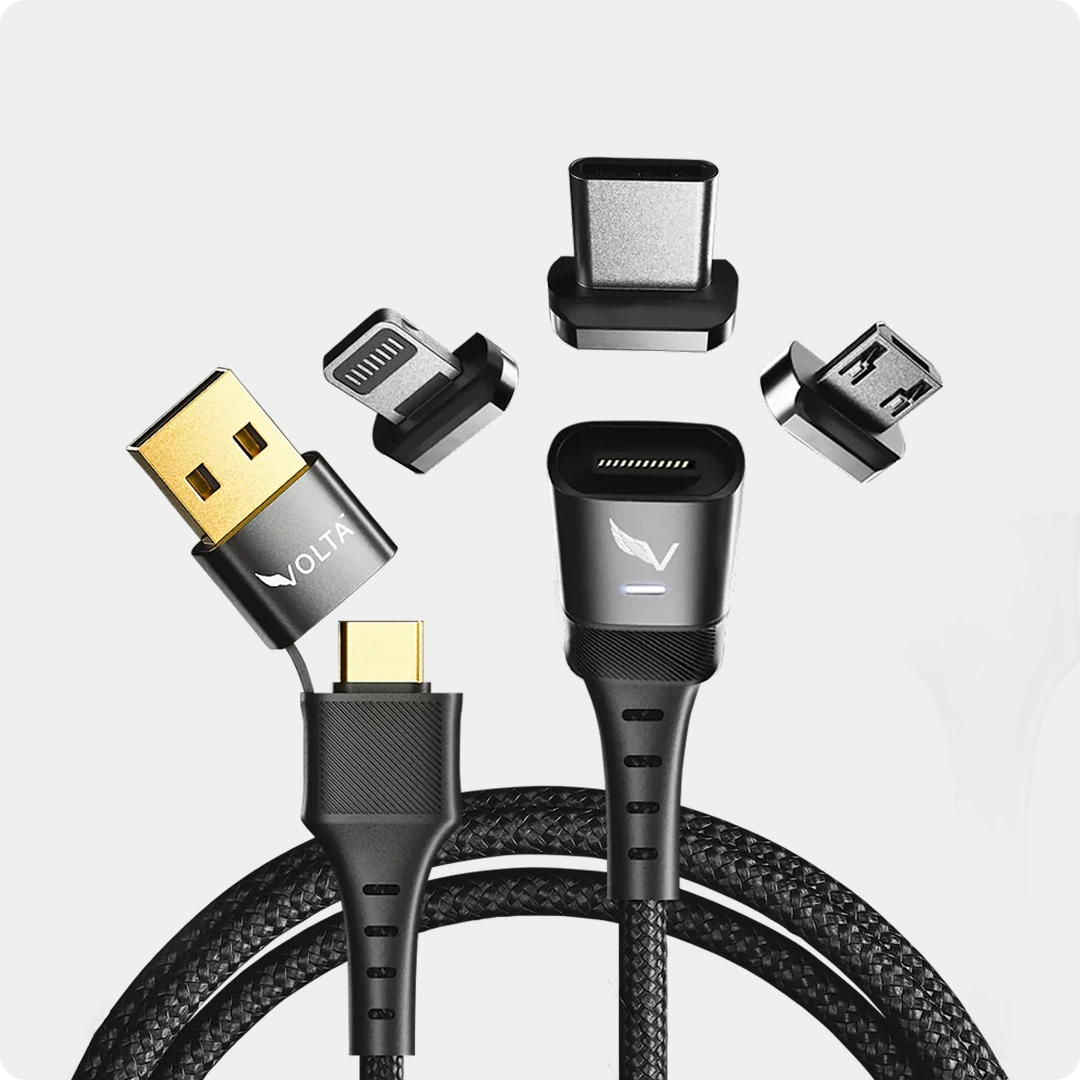
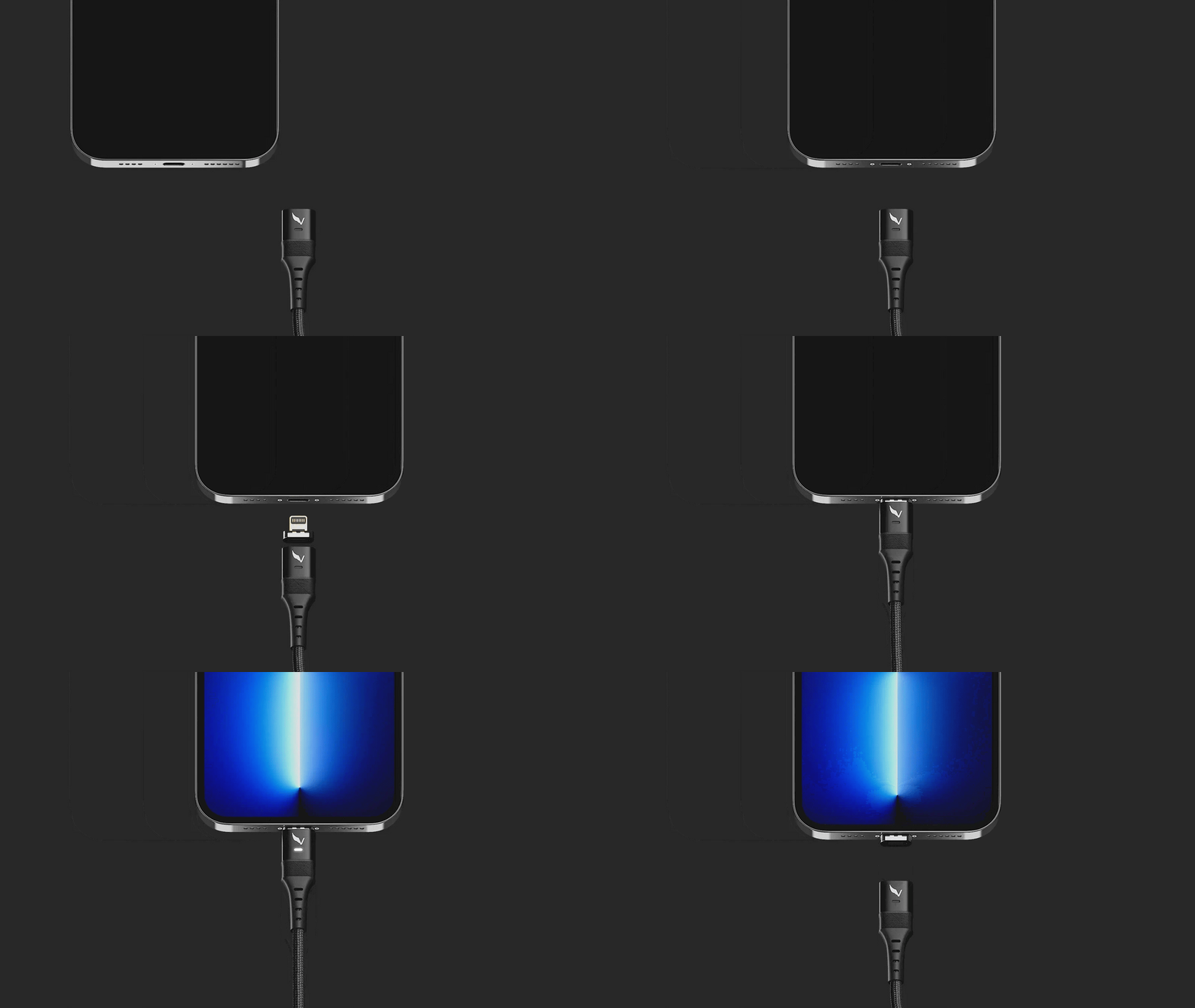
Our VOLTA MAX Cable supports up to 240W in compatible USB-C charging configurations. It is our recommendation when you want high-power USB-C capability with the everyday convenience of a magnetic connection.

Pair it with Giga for a magnetic charging setup, rather than treating the cable as a substitute for the wall charger. MAX's 240W capability does not make Giga deliver 240W, and the cable's Lightning, Micro USB and USB-A connections do not carry the same high-power USB-C capability.
If your existing cable already supports your charger's output and your device's requirements, changing it is a choice about convenience, not a guaranteed speed upgrade. Choose MAX for the magnetic connection as well as its power capability.
Spend on the charger your routine calls for
For one lower-power laptop, a suitable 65W charger can remain the right choice. For a laptop that can use more than 65W but needs no more than 100W, the middle option has a clear purpose. Neither becomes a poor purchase simply because a 140W model exists.
Our 140W Giga GaN Charger makes most sense when you want a higher-capacity, three-port charging point for a laptop and the devices around it. Add the MAX cable if you also want to make those everyday connections magnetic.
Buy the upgrade that changes how you charge: less waiting on a compatible laptop, more useful capacity for shared charging, or fewer separate adapters to carry. A bigger number is only worth paying for when it does something for you.

140W Giga GaN Charger
140W 3-Port GaN Charger - the mini charger with mighty power. Charge via two USB Type-C® and one through USB Type-A. ...


Leave a comment
This site is protected by hCaptcha and the hCaptcha Privacy Policy and Terms of Service apply.